
An Outlook archive (a .pst file) can be opened without Outlook itself and without importing it — read-only. PST Viewer shows the folder tree, messages, contacts, calendar, tasks and notes, can pull out attachments, and prints or saves messages. It is a single executable, nothing to install.
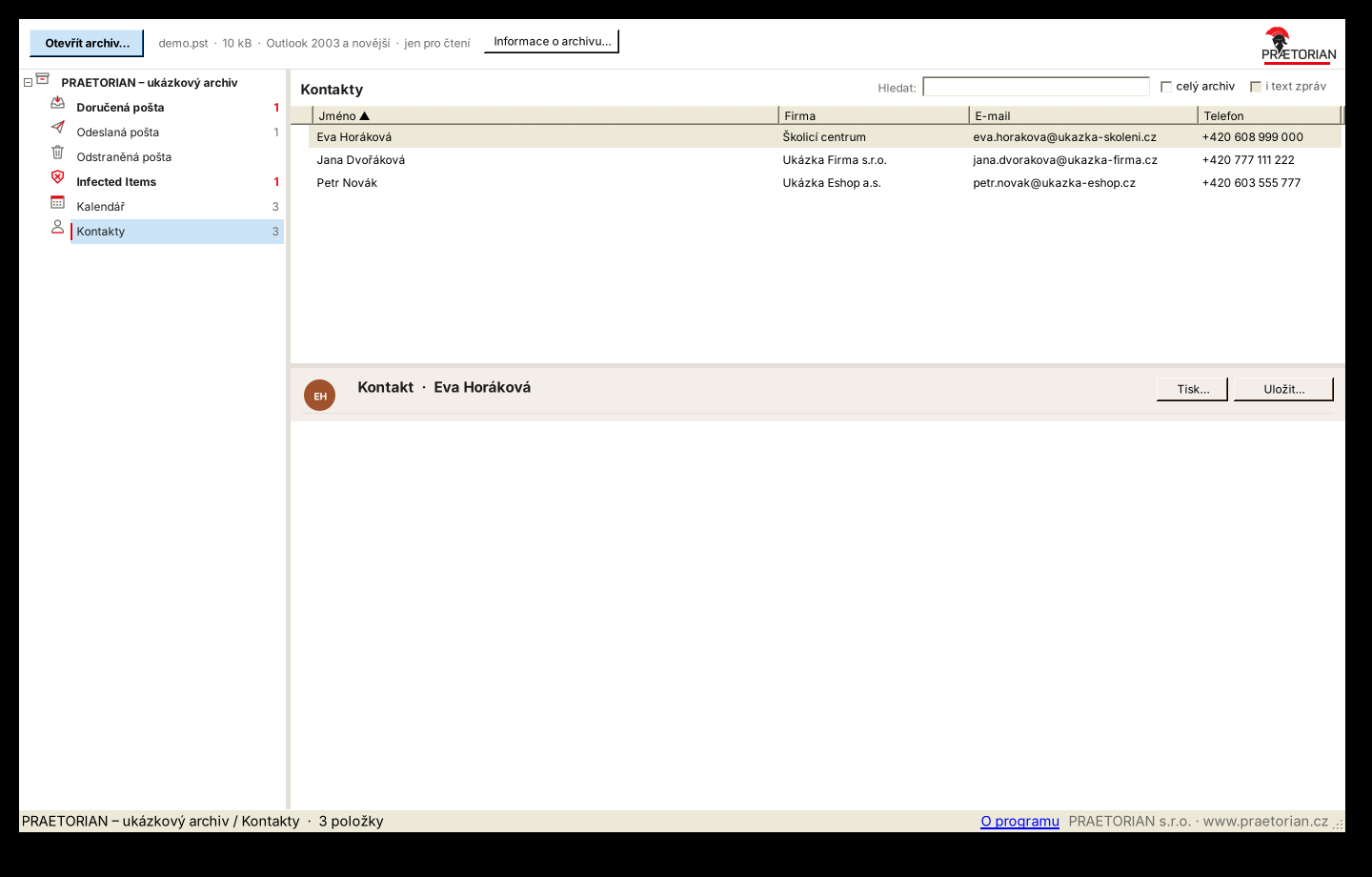
Main window: folders on the left, messages in the middle, preview below (sample data)
What it does
- Never changes the archive – it opens read-only and never writes back to the file.
- Contacts, calendar, tasks and notes, not just mail.
- Honours the archive password – a password-protected archive prompts the same way Outlook does.
- Pulls out attachments and messages: save as .msg/.eml, bulk-save attachments from a folder (e.g. a year's invoices), printing without Outlook.
- Exports contacts to
.vcf/CSV and the calendar to.ics. - Handles large archives (tens of GB) and older formats (Outlook 97–2002) too.
Safe handling of mail
No message ever loads images or content from the internet (tracking protection), and scripts are always stripped from the HTML before a message is shown; links only open after confirmation. Antivirus folders (Infected Items, quarantine) are treated just as carefully: attachments are locked and web addresses in the message text are replaced with a black „hidden link“ label, so they can't be opened or even copied by accident.
Deployment
- Unzip and run
PstProhlizec.exe. Windows 8 or newer is enough (.NET Framework 4.5+ is built in). - A
.pstarchive can be dragged into the window, or opened with the "Open archive…" button.
The program is not digitally signed, so Windows may show the blue "Windows protected your PC" screen on first run. Click "More info" and then "Run anyway".
- Version
- 0.5.0 (9 Nov 2026)
- Platform
- Windows 8 and newer, .NET Framework 4.5+
- Installation
- none, single file
- Archive
- opens read-only, no writes
- Signature
- the program is not digitally signed
- User interface
- Czech